

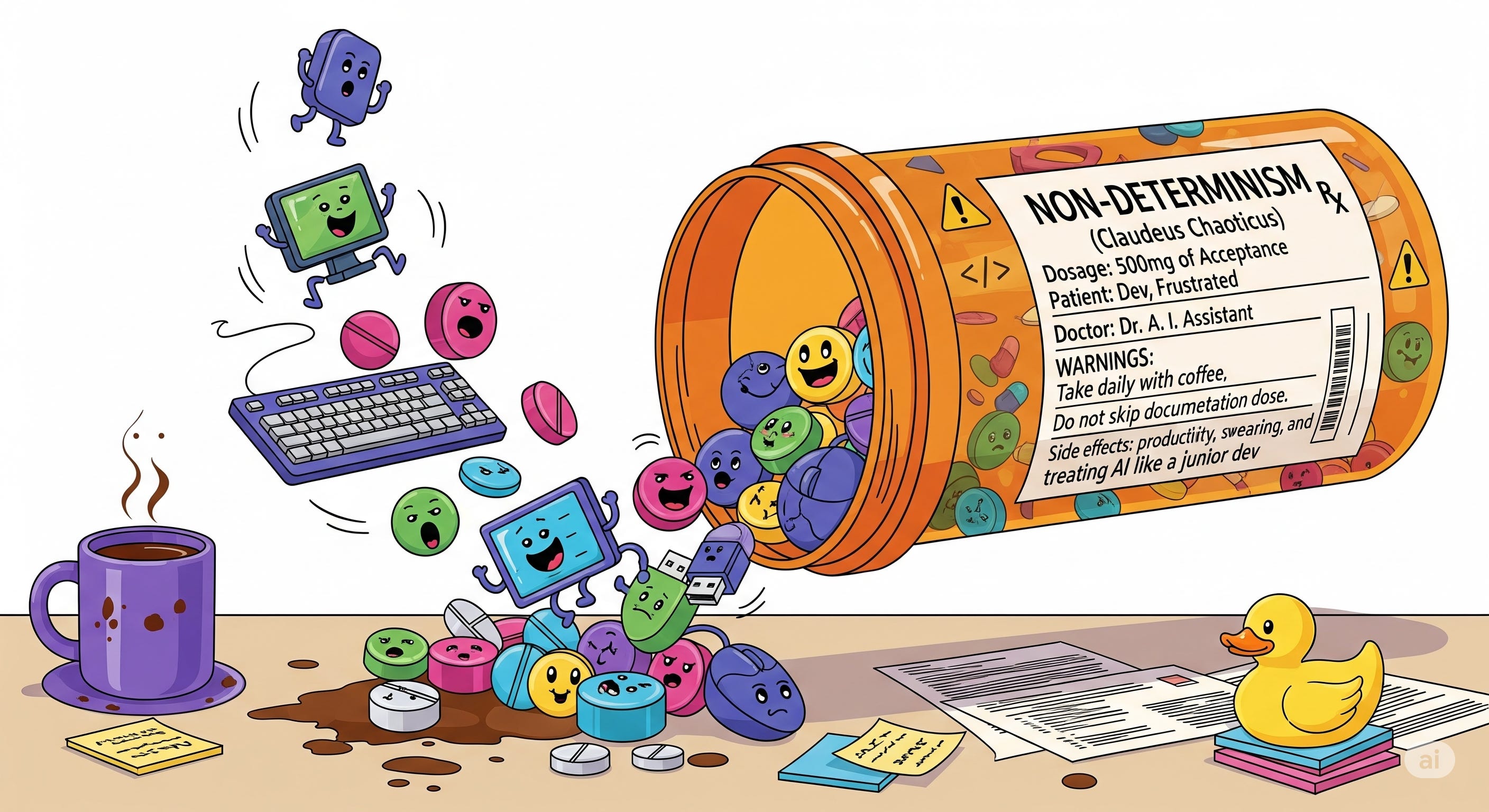
In my last post, I showed you how to get hooked on Claude Code. But here's what I didn't tell you: even with the perfect setup, your honeymoon will end. Mine lasted only several weeks.
It's unavoidable, as with every new technology you pass three stages:
Week 1: I can do everything with it/ It’s x10 improvement in my workflow!
Week 3: “It sucks!” - after learning limitations of the tool.
Month 2: “It’s a nice tool in the right situation“ - after having decent experience with it.
Claude Code or any other coding agent is not an exception. However, the limitation is far from typical as developers are used to - its nondeterministic nature. So the first thing that a developer asks when Claude skips some instructions or produces slightly different interface than expected “how can I force it to do exactly what I said?!“. Well, you cannot.
Remember, you are not a developer anymore, you are a manager. Human managers have this dilemma all the time, especially with junior/middle folks:
You tell someone how to solve a problem, they start implementation, somewhere in the middle they find new information, sometimes it changes everything(starting with a case when you already have an existing component that does what you need and ending up when the whole approach is wrong because of hidden constraints) and at that moment it’s not clear for them what to do:
To ask the manager? But the manager asked them to do exactly what they were told to do. You might think that it’s obvious that you should ask in such situations but often the new info doesn't matter because of context they don't have. And providing of all information would take way more time and one can easily forget details somewhere in the middle, so it’s simply not worth it.
Ignore and follow instructions? but then your manager would tell you that new information changes everything and you should have told them earlier about it.
Quite a high chance of looking like a fool regardless of a choice, and we are dealing with a human who can actually think!
Obviously, Claude can't think. But it learned from code where developers made different choices having situations described above, so solution wasn’t deterministic even in the beginning. So no point of being mad about it, better just to accept it as a limitation of the tool. But here's the thing: acceptance doesn't mean helplessness. It means getting smarter about how we work with the chaos.
Embracing the Chaos
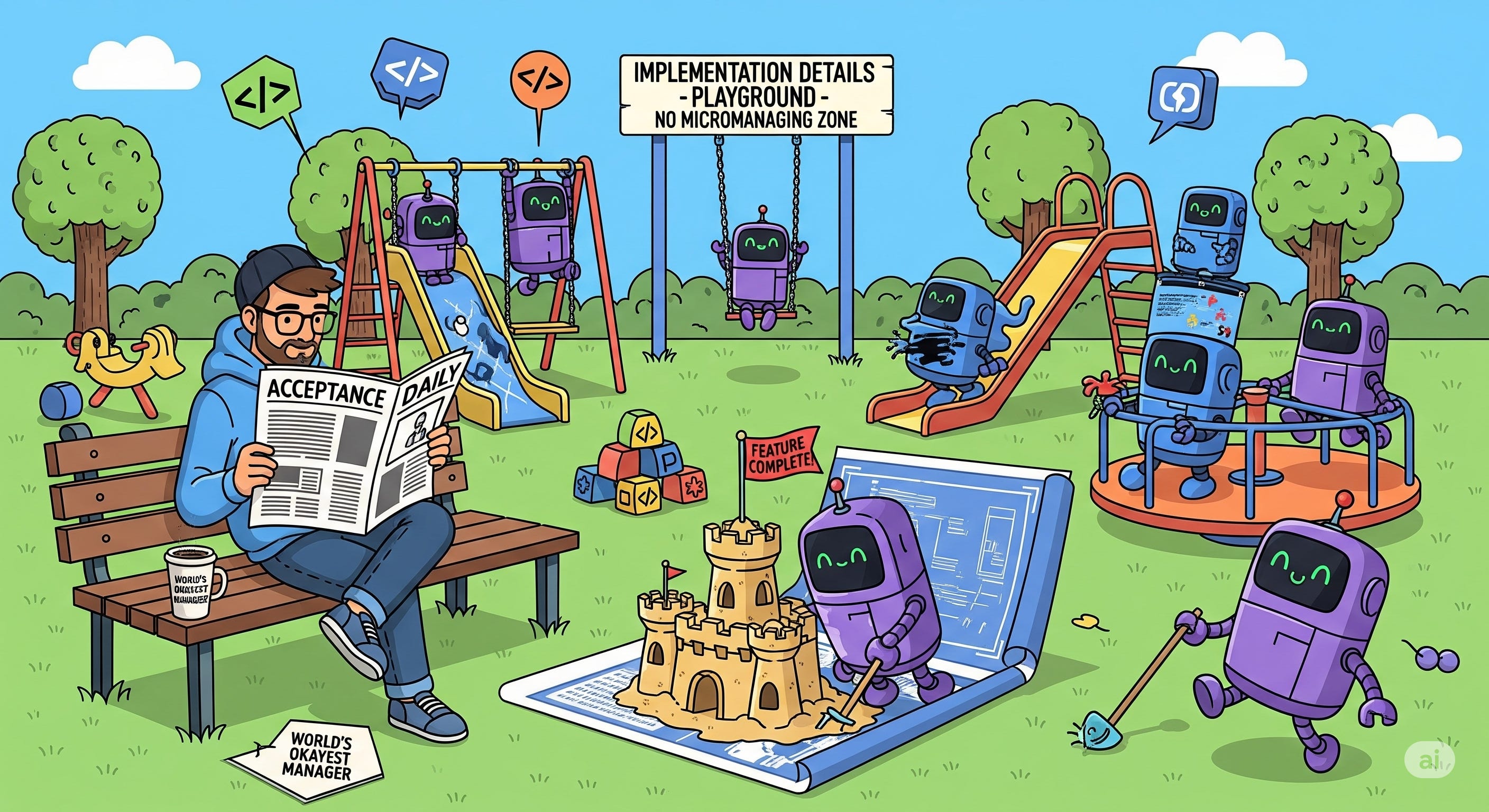
First, you need to understand where non-determinism is acceptable. Usually, these are implementation details. If you tell Claude Code literally every line to write you will achieve 100% determinism, but what’s the point, it would be faster to write the code yourself. So you need to focus on things that matter:
Product requirements.
Data flows.
APIs contract between backend and frontend.
System components, which will be changed during development of the task.
Test cases.
These things you need to pay close attention to and even write yourself(WHAT?! It’s so 2024! ) an initial version.
Second, you need to learn to control the context of Claude code. Providing entire codebase and giving a ticket number only will work on small projects at best. If you have a legacy project, it will lead to hallucinations quite quickly.
Recently I was adding multi-currency support to several screens of an app. I nailed it with Claude for the first screen, so I naively thought that second one would be a piece of cake and wouldn’t take more than 30 mins of Claude’s time. Oh boy, how wrong was I! I’ve made four attempts starting from scratch with Claude, but I failed miserably. This page made Claude drunk instantly, I was swearing like I am the worst human-being on the planet. Nothing helped.
I felt not like an orchestrator but like a manager of a rock band, where a star singer got drunk and found his calling as a ballerina because he saw a tweet with ballet performance 5 minutes ago.

So I’ve decided to do unimaginable - do everything myself.
Turned out, that page was in the middle of transition to a new graphql client. Had one title but under the hood was using completely different models and several different APIs(new graphql one, old graphql API and REST API), and, ofcourse, all three had endpoints named after the page title, but none were actually relevant. Poor Claude. Instead of half an hour, I spent almost a week on it. (Every developer right now: haha, classic).
After several such occasions, I’ve started seeing patterns when my son comes home drunk Claude struggles with a given task. Eventually I came up with key pieces of the puzzle to avoid having such surprises:
A proper structure of documentation with file maps.
A prompt that asks claude to work only with specific directories and forbids even reading from not allowed directories.
Giving up quickly. If I want to start swearing - time to give up and try again from scratch.
Addressing technical debt in related area first, even Claude prefers clean architecture and code!
The Documentation System
Here's the structure that finally tamed the chaos (and yes, those feature names are real):
leprik-ai/
├── docs/
│   ├── product/
│   │   ├── awesomeness/
│   │   │   ├── feature.md          # Feature overview & entry point
│   │   │   ├── implementation.md   # Technical design
│   │   │   └── file-map.md         # Explicit file references
│   │   ├── pragmatic-insights/
│   │   │   ├── product-reqs.md
│   │   │   ├── implementation.md
│   │   │   └── file-map.md
│   │   └── no-hype/
│   │       └── ...
│   ├── architecture/
│   │   └── system-overview.md
│   ├── dev/
│   │   └── qa-guidelines.md
│   │   └── be-guidelines.md
│   │   └── fe-guidelines.md
│   └── overview.md                   # Master documentation index
├── backend/
├── frontend/
├── infrastructure/
├── CLAUDE.md
When product gets bigger a product directory becomes : domain → features → sub features. Same structure + index files at every level, so Claude can quickly find only files related to the feature it’s working on.
file-map.md is a simple file with list of all related files to the feature.
Architecture directory can be extended with graphs(Mermaid diagrams would work perfectly), ADRs or C4 diagrams.
I like this structure the most because in the future, when you have insane amount of docs you can easily build MCP around your docs + RAG for fast retrieval of the data make search more efficient.
If you work only with, let’s say frontend repo, you can try a simpler setup when every component has README.md file, which explains what component does and what features it supports and what files it has.
If you are extremely lazy, you can use Repomix to convert a specific directory to md format and provide it to Claude as documentation (though proper documentation structure pays off in the long run)
My main workflow is:
Having a ticket in linear with description of desired changes.
Start claude with this prompt:
Create a plan for the implementation of ticket #ENG-4242, read product related documentation in @leprik-ai/docs/product/awesomeness/feature.md, follow dev guidelines during development defined in @leprik-ai/docs/dev/

You are allowed to work ONLY in these directories:
- /backend/src/awesomeness.
- /frontend/src/awesomeness/

Do not access any other directories or files outside this list.
I ask it to store the plan as md file, so I can continue implementation if somewhere in the middle Claude run autocompact process. I don’t like autocompact because usually Claude gets amnesia and needs to read CLAUDE.md file several times before it can remember what commands to use. That’s why I prefer to use /compact myself and use the created file as a part of summary.
After that I ask Claude to implement the task via several sub-agents providing information about allowed directories again.
I am lazy, so instead of typing such prompts every time I’ve created custom commands.
Automating the Workflow
Creation of own command is trivial:
mkdir -p .claude/commands # inside the project

touch .claude/commands/plan-issue.md
Here is example of the prompt(don’t forget to use Anthropic’s prompt generator to improve your prompts):
---
allowed-tools: ReadFile, Bash(ls:*), Bash(fd:*), Bash(rg:*)
description: Create implementation plan for a ticket with directory restrictions
---

You are tasked with creating a plan for the implementation of a ticket. Follow these instructions carefully:

1. Parse the input arguments:
Parse the {{ARGUMENTS}} string, which is in the format "TICKET_NUMBER | PRD_PATH | ALLOWED_DIRS". Extract the ticket number, path to product documentation, and allowed directories from this string. Stop execution if any of the required arguments are missing or invalid and notify the user.

2. Read product documentation:
Access and thoroughly read the product-related documentation located at the PRD_PATH you extracted from the arguments. This documentation contains crucial information about the product that will inform your implementation plan.

3. Follow development guidelines:
Adhere to the development guidelines defined in @leprik-ai/docs/dev throughout your planning process. These guidelines ensure consistency and best practices in development.

4. Observe directory restrictions:
You are only allowed to work within the directories specified in the ALLOWED_DIRS section of the parsed arguments. Do not include any files or directories outside of this list in your implementation plan.

5. Create the implementation plan:
Based on the information from the product documentation, development guidelines, and directory restrictions, create a detailed plan for implementing the ticket.

Remember to only include tasks and files within the allowed directories, and ensure all aspects of your plan adhere to the development guidelines you've read.
After the plan looks good to both of us (me and Claude's army of agents), I use command /implement-plan command, which has similar limitations regarding working directories as previous prompt. And the last command that I use is /update-docs, the prompt for this command is quite long and contains many bash commands, so it doesn’t look nice on Substack. So I'm only showing the beginning to demonstrate another feature - execution of bash commands and using their output in the prompt:
---
allowed-tools: ReadFile, Edit, Bash(git:*), Bash(fd:*), Bash(ls:*), Bash(test:*), Bash(echo:*), Bash(rg:*), Bash(head:*), Bash(sort:*)
description: Update feature documentation based on current changeset
---

# Update Feature Documentation

Update documentation for feature at path: $ARGUMENTS

## Initial Setup
Set feature directory path:
!`FEAT_DIR="$ARGUMENTS"; echo "Feature directory: $FEAT_DIR"`

Check Git repository status:
!`if git rev-parse --git-dir > /dev/null 2>&1; then echo "✓ Git repository detected"; else echo "⚠️ Not in a git repository - skipping git-based analysis"; fi`

Current branch (if in git):
!`git rev-parse --git-dir > /dev/null 2>&1 && git branch --show-current || echo "N/A"`

## Step 1: Validate Feature Directory
Check if the provided path exists:
!`test -d "$ARGUMENTS" && echo "✓ Directory exists: $ARGUMENTS" || echo "✗ Directory not found: $ARGUMENTS"`

List current documentation files:
!`find "$ARGUMENTS" -maxdepth 1 -name "*.md" -type f 2>/dev/null | sort || echo "No markdown files found"`

If directory doesn't exist or empty, notify the user about it and ask to provide correct path.
## Step 2: Check/Create implementation.md
!`test -f "$ARGUMENTS/implementation.md" && echo "✓ implementation.md exists" || echo "⚠️ implementation.md missing - will create"`

If implementation.md doesn't exist, create it with this template:
...
## Step 3 ...
Want the full version? Just ask (though Anthropic's generator works great too)
That’s it, next time when you need to make an addition to the feature you have entire relevant context defined in a proper docs directory, so you just need to ask Claude Code to use it and nothing else. In most of cases it works pretty well.
When does it not work? Obviously, when a skin sack(aka me), forgets to run a command for updating docs. Humans are great source of non-determinism as well. In a perfect world, we could have just updated the command /implement-plan to execute /update-docs in the end, but I noticed that it’s not efficient for complex tasks as it’s rarely a one-shot story and I had to ask Claude follow-up tweaks.
The best idea that I came up with was a pre-commit hook. However, I don’t want to annoy everyone in the team by forcing this command, so I've decided to try Claude Code hooks feature, which was released a few weeks ago.
Claude Code hooks
I’ve added such hook inside ./claude/settings.json file:
{
  "hooks": {
    "PreToolUse": [
      {
        "matcher": "Bash",
        "hooks": [
          {
            "type": "command",
            "command": "./scripts/claude-hooks/update-features-docs-reminder.sh"
          }
        ]
      }
    ]
  }
}
Basically, Claude Code will execute our sh file before any bash command.
Here is the script itself:
#!/bin/bash
# update-features-docs-reminder.sh
# Detects /implement-plan commands in the session

# Read the JSON input
TOOL_INPUT=$(cat)

# Extract fields
TOOL_NAME=$(echo "$TOOL_INPUT" | jq -r '.tool_name // ""')
SESSION_ID=$(echo "$TOOL_INPUT" | jq -r '.session_id // ""')
TRANSCRIPT_PATH=$(echo "$TOOL_INPUT" | jq -r '.transcript_path // ""')

# Only process Bash commands
if [ "$TOOL_NAME" != "Bash" ]; then
    exit 0
fi

COMMAND=$(echo "$TOOL_INPUT" | jq -r '.tool_input.command // ""')

# Check if it's a git commit command
if ! echo "$COMMAND" | grep -Eq "(^|&&|;|\|)\s*git commit"; then
    exit 0
fi

# Check the transcript for actual /implement-plan commands in current session
if [ -f "$TRANSCRIPT_PATH" ] && [ -n "$SESSION_ID" ]; then
    # Check if /implement-plan was run in current session
    # Look for the exact pattern in user messages
    IMPLEMENT_PLAN_FOUND=$(grep "\"sessionId\":\"$SESSION_ID\"" "$TRANSCRIPT_PATH" | \
                          grep '"type":"user"' | \
                          grep -c '<command-name>/implement-plan</command-name>')

    if [ "$IMPLEMENT_PLAN_FOUND" -gt 0 ]; then
        # Check if update-docs was also run or if user said skip docs
        UPDATE_DOCS_FOUND=$(grep "\"sessionId\":\"$SESSION_ID\"" "$TRANSCRIPT_PATH" | \
                           grep -E '<command-name>/update-docs</command-name>|<command-name>/update-feature-docs</command-name>|skip docs|no docs needed' | \
                           wc -l)

        if [ "$UPDATE_DOCS_FOUND" -eq 0 ]; then
            echo "🔍 Found /implement-plan command without docs update" >&2

            cat <<EOF
{
    "decision": "block",
    "reason": "You ran /implement-plan in this session. Before committing:\n\n1. Please specify the documentation file path (e.g., 'docs/product/awesomeness')\n2. I'll run /update-feature-docs <path>\n3. Then proceed with the commit\n\nIf no documentation update is needed, just say 'skip docs' to proceed."
}
EOF
            exit 0
        else
            echo "✅ Docs already handled in current session" >&2
        fi
    else
        echo "✅ No /implement-plan command found in current session" >&2
    fi
fi

# Proceed with commit
echo "✅ Proceeding with git commit" >&2
exit 0
It will check if Claude tries to execute git commit command and if so it will check whether you used /implement-plan within this session and didn’t cover it with a documentation.
Even though this script works, it took significant efforts to debug it initially. If you run claude —debug it shows additional information about hooks invocation, useful but still not enough as majority of time you are testing and debugging bash scripts.
At this stage I would recommend to wait for another iteration over this feature from Claude’s team. And use it only for simple cases, like notifications.
In my previous post, we asked Claude in CLAUDE.md to notify us whenever he needs an input from us. Unfortunately, it doesn’t always work. Claude forgets to do it from time to time: usually after automatic compact(once again, you should avoid having those because Claude has complete amnesia in most of cases after this) or when sub-agents are involved, sometimes Claude just swallows messages from them.
Hooks are a perfect solution in this scenario. I’ve created a simple terminal-notifier.sh script:
#!/bin/bash

HOOK_INPUT=$(cat)
HOOK_EVENT=$(echo "$HOOK_INPUT" | jq -r '.hook_event_name // ""')

# Send notification with Claude app as sender
notify() {
    terminal-notifier \
        -title "Claude Code" \
        -message "$1" \
        -sound "$2" \
        -sender "com.anthropic.claudefordesktop"
}

# Handle events
case "$HOOK_EVENT" in
    "Notification")
        NOTIFICATION=$(echo "$HOOK_INPUT" | jq -r '.notification // ""')
        if echo "$NOTIFICATION" | grep -qi "permission\|confirm\|proceed\|Do you want"; then
            notify "Input needed" "Ping"
        else
            notify "$NOTIFICATION" "Pop"
        fi
        ;;
    "Stop")
        notify "Task completed" "Glass"
        ;;
esac

exit 0
and updated hooks settings
"Notification": [
  {
    "matcher": "",
    "hooks": [
      {
        "type": "command",
        "command": "./scripts/claude-hooks/terminal-notifier.sh"
      }
    ]
  }
],
"Stop": [
  {
    "matcher": "",
    "hooks": [
      {
        "type": "command",
        "command": "./scripts/claude-hooks/terminal-notifier.sh"
      }
    ]
  }
]
After this I can clean up notifcation part from my CLAUDE.md file and will start seeing this beauty:

TLDR
TLDR for Claude Code’s junkeys who will use Claude to summarize this article:
Embrace non-determinism and pick your battles.
Manage Claude’s context properly:
Avoid autocompact at any cost.
Share only relevant documentation for the current task.
Limit access to non-related folders/files so Claude doesn’t clutter its context, which decreases chances of hallucination.
Automate workflows to eliminate humans from equation.
When it doesn’t work try treating Claude as an imbecile and tell him about it without hesitations, if it doesn’t work - threaten to fire it. Surprisingly, it works really well (Does Claude have US work experience?).
Know when to give up. If you caught yourself, swearing at Claude again and again, highly likely your code is unbelievable mess and you need to clean it up first or your task is so complex that you need to break it up for Claude yourself.
Happy shipping and don’t forget to subscribe!
Thanks for sharing. It sounds like a reasonable approach. I would try these technics for sure.
Sounds like a lot of ground work 🤔
With the pace of AI dev tools evolution I wonder if this ground work will pay off.
And I am really curious if this approach works with other AI tools. An entry ticket price for Claude Code is high. I would expect quite many folks would be more keen to experiment with free options like Gemini.